Search our website
Key in a search term below to search our website.
Key in a search term below to search our website.
Our Scotland galleries guide you from the Palaeolithic era to the present day, from the earliest cultures to space age science, prehistory to pop culture.
Come face to face with iconic historic artefacts, learn how Scottish innovation has helped shape the modern world and see how the lives of everyday Scots have changed through the centuries.
Explore the first three billion years of Scotland’s history and uncover the origins and evolution of our landscape, flora and fauna in Beginnings, on Level -1.
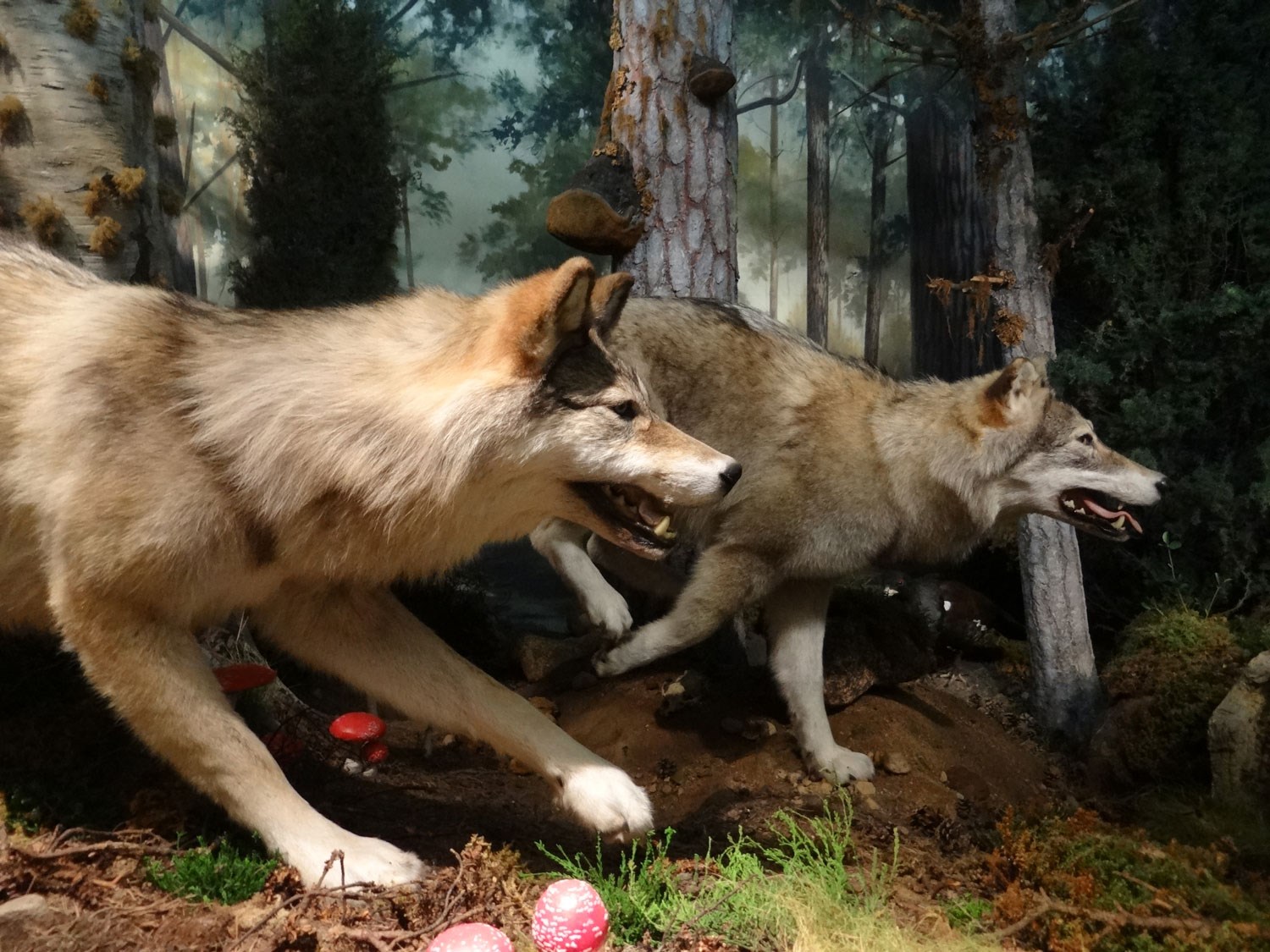
Wolves in the diorama in Beginnings gallery.
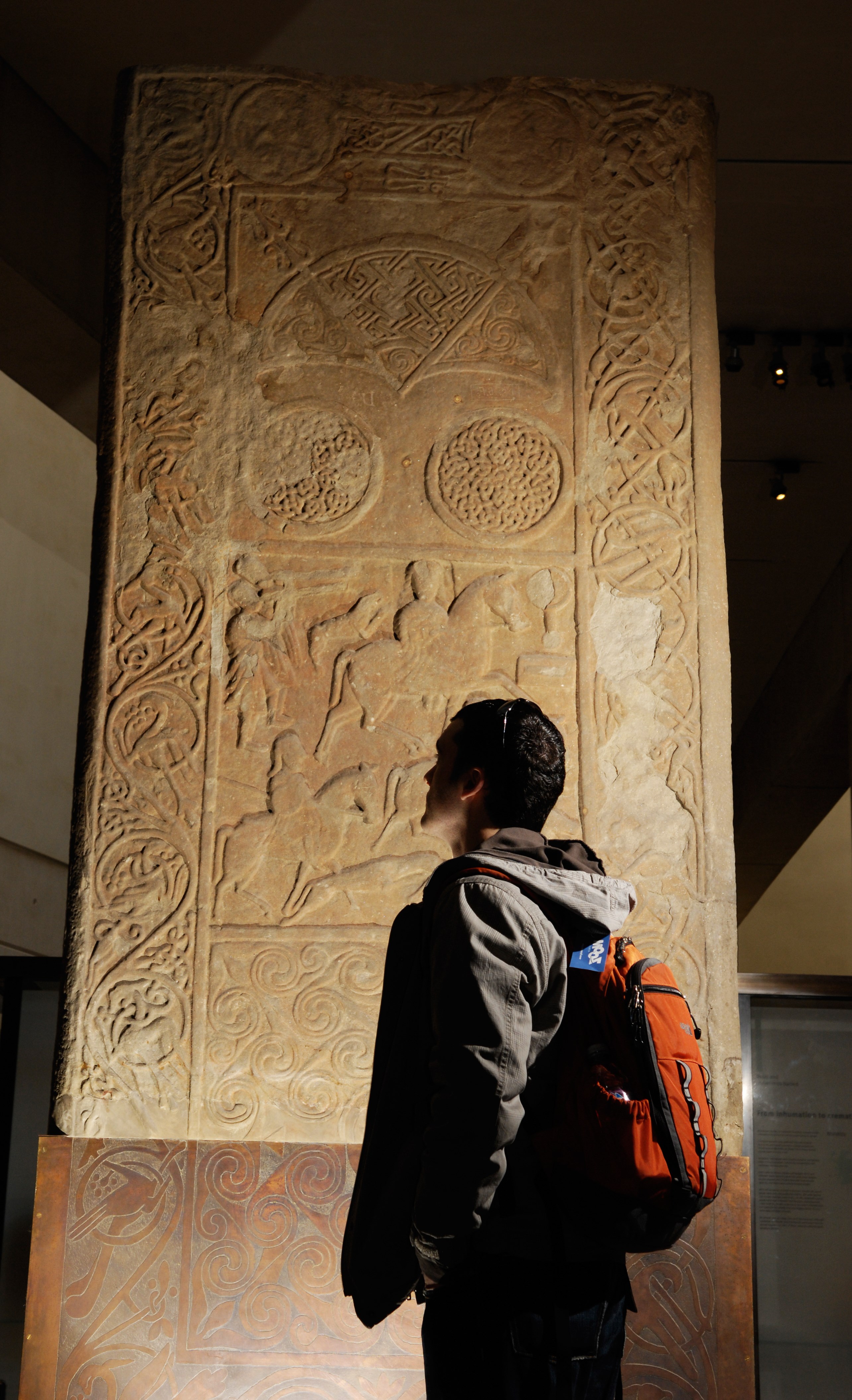
Next, meet the men and women of prehistory in Early People. This gallery explores how people lived from around 8000 BC to AD 1100: how they used the land’s resources, interacted with each other and made sense of the world. Here you’ll find some of our most fascinating archaeological treasures, including the Pictish Hilton of Cadboll stone, Iron Age carnyx and gold torcs and Roman Cramond lioness.
Every object displayed has some connection with a person or community, yet there is virtually no trace of these prehistoric people as individuals. Instead, their missing faces are represented by abstract figures sculpted by Sir Eduardo Paolozzi.
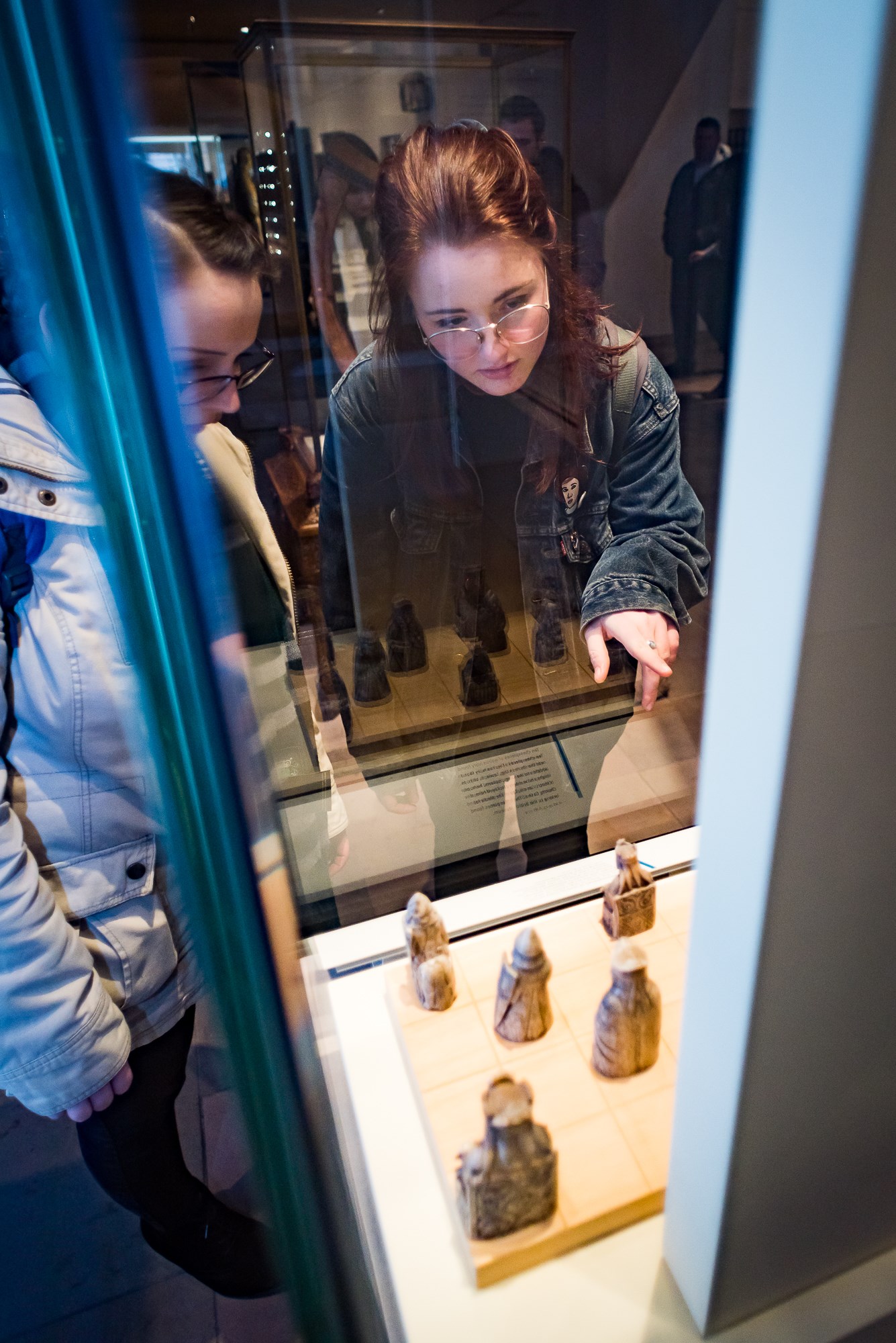
Visitors up close with the Lewis chess pieces © Andy Catlin
Moving up a level, Kingdom of the Scots follows Scotland from its emergence as a nation around 1100 to 1707, when the Union of the Scottish and English Parliaments created the United Kingdom of Great Britain. This gallery showcases some of our most precious objects: the tiny Monymusk reliquary, the Queen Mary harp and the famous Lewis chess pieces, probably the best-known archaeological find from Scotland.
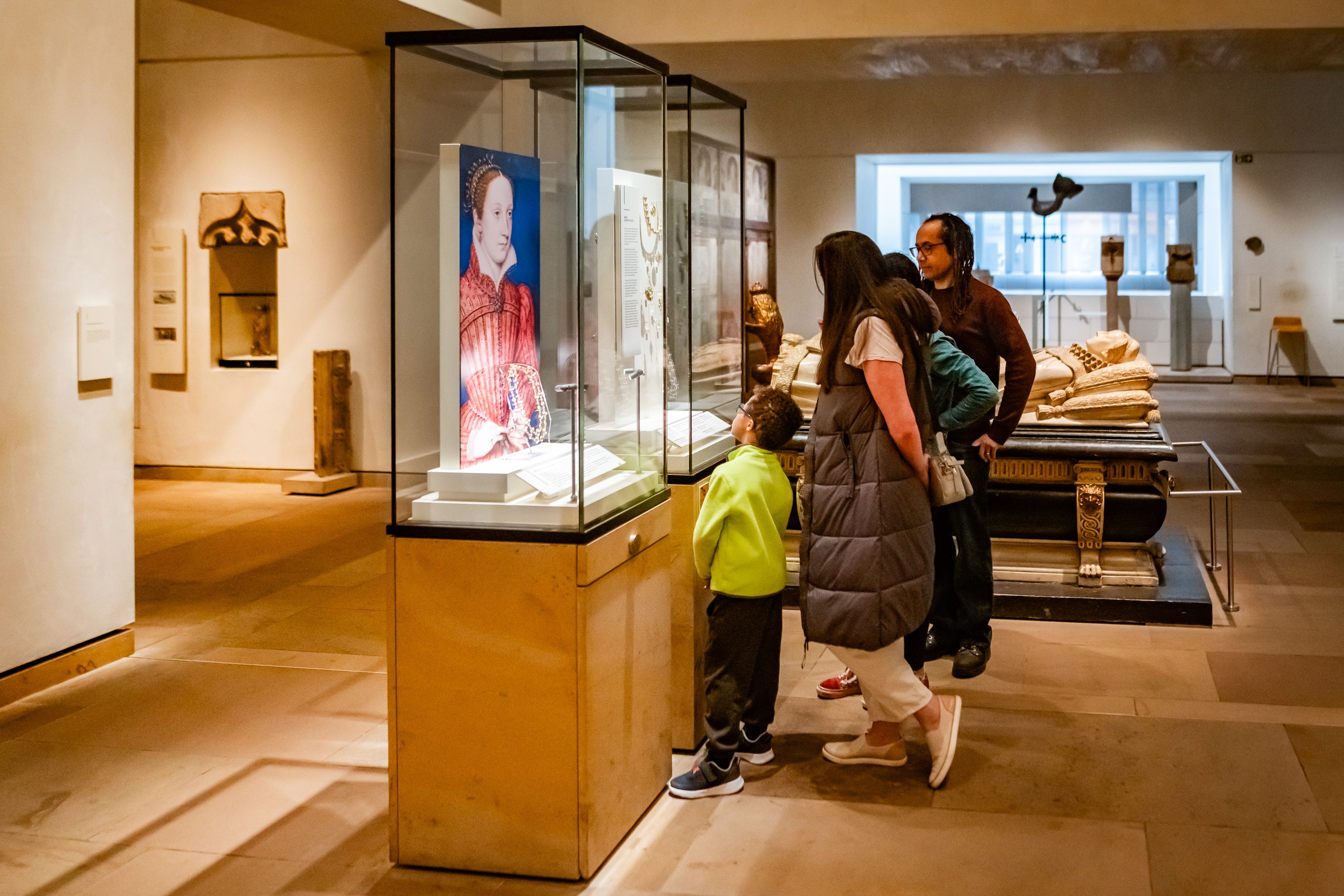
Visitors up close to objects of the Mary Queen of Scots collection.
Here you’ll encounter legends of Scottish history, from William Wallace and Robert the Bruce to Mary, Queen of Scots, and trace the changing face of Scotland through developments in trade and the economy, and fierce religious and political controversy.
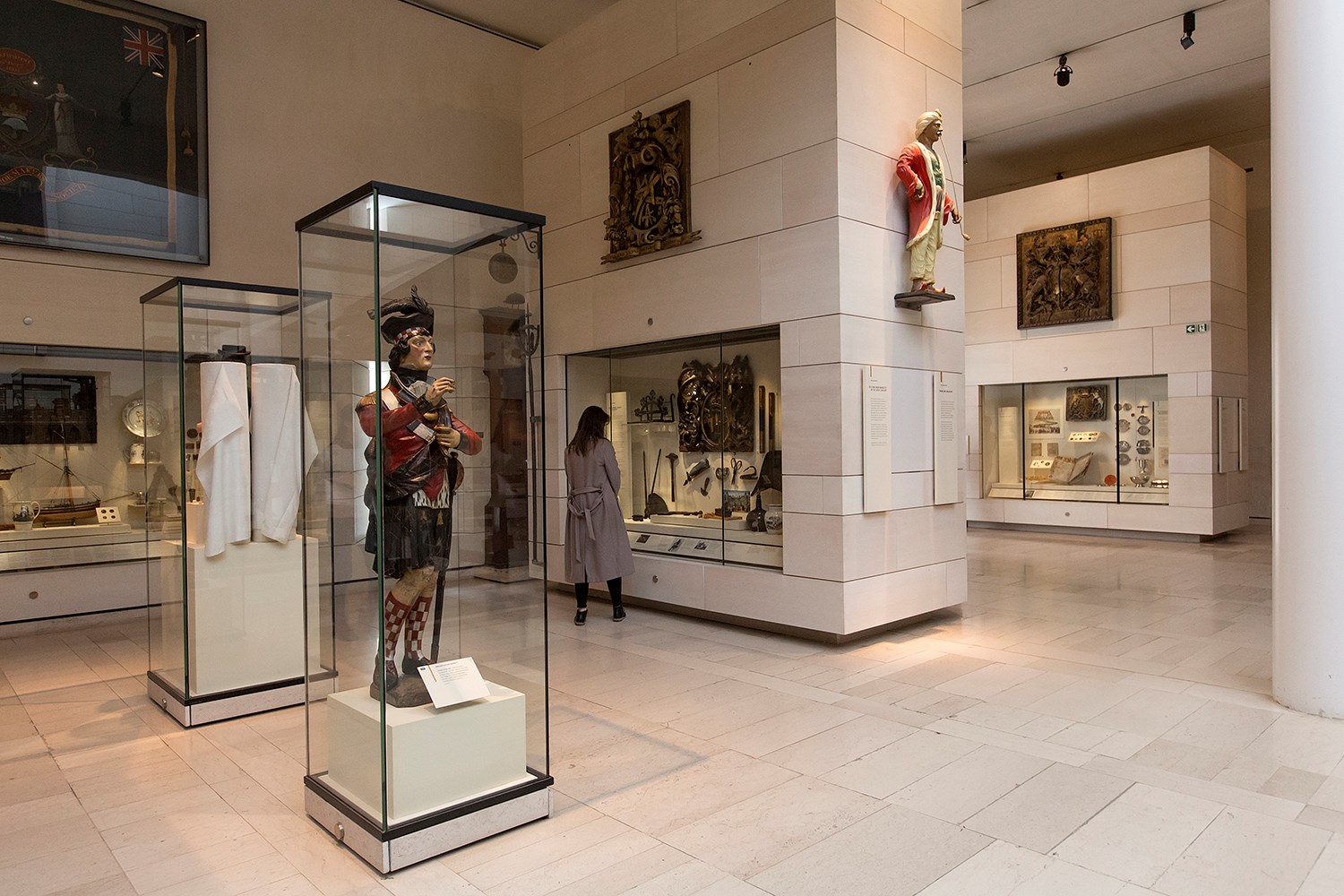
Galleries on Level 3 © Ruth Armstrong Photography
On Level 3, Scotland Transformed takes us through the 18th and early 19th century, during which Scotland began to change from a predominantly rural, medieval society to an urban, modern one. The romantic trappings of the doomed Jacobite story, including a silver picnic set made for Bonnie Prince Charlie, make way for the power of industry, with the gallery dominated by the mighty Newcomen atmospheric engine.
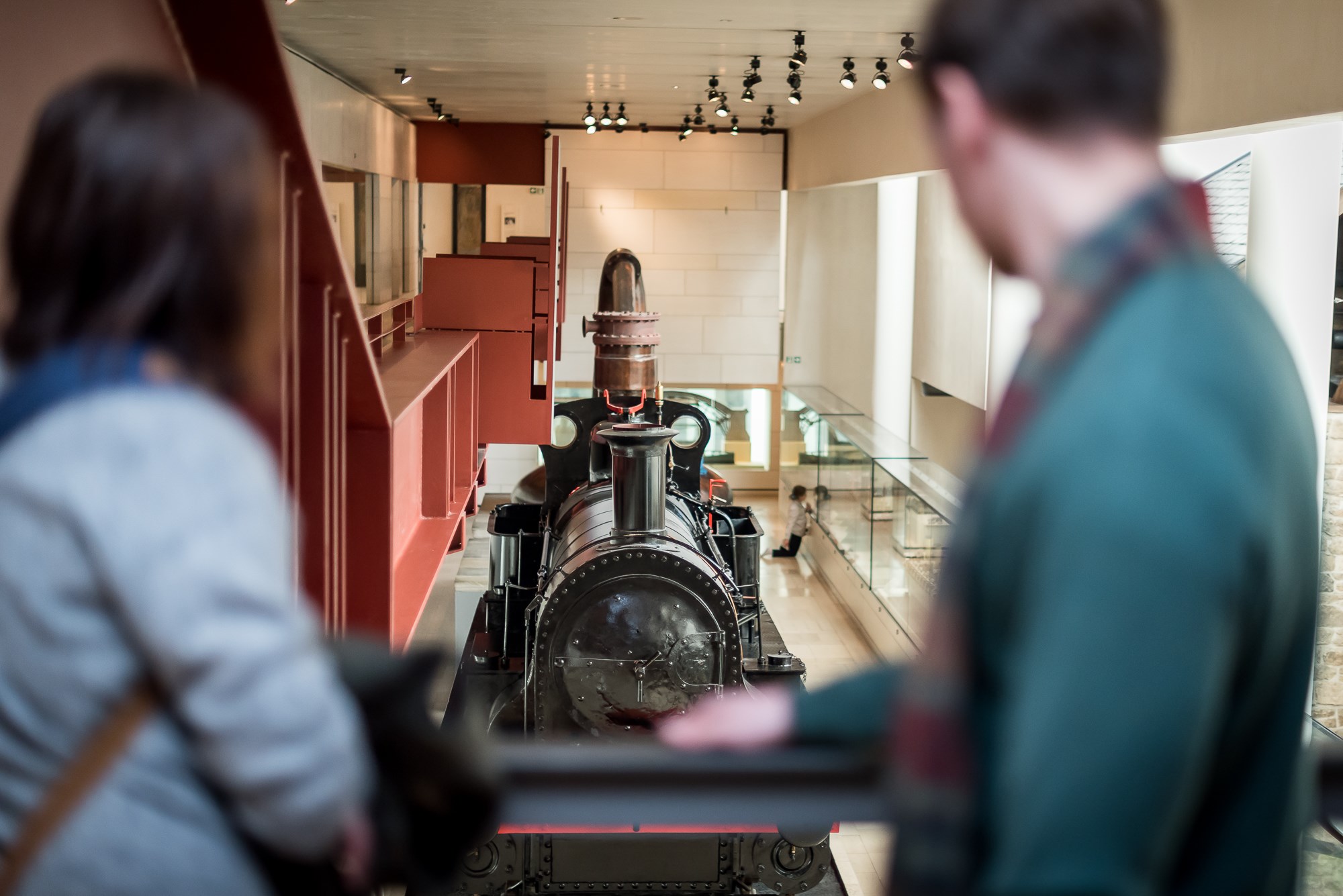
Visitors look on to the Ellesmere locomotive on Level 4 © Andy Catlin
Industry and Empire, on Levels 4 and 5, explores how life in 19th century Scotland was moulded by industrial development. Discover mysterious superstitions surrounding the Arthur’s Seat coffins and the pioneering progress of Scottish engineering, represented by the mighty steam locomotive, Ellesmere. You can also learn why many people chose or were forced to leave Scotland for a new life overseas.
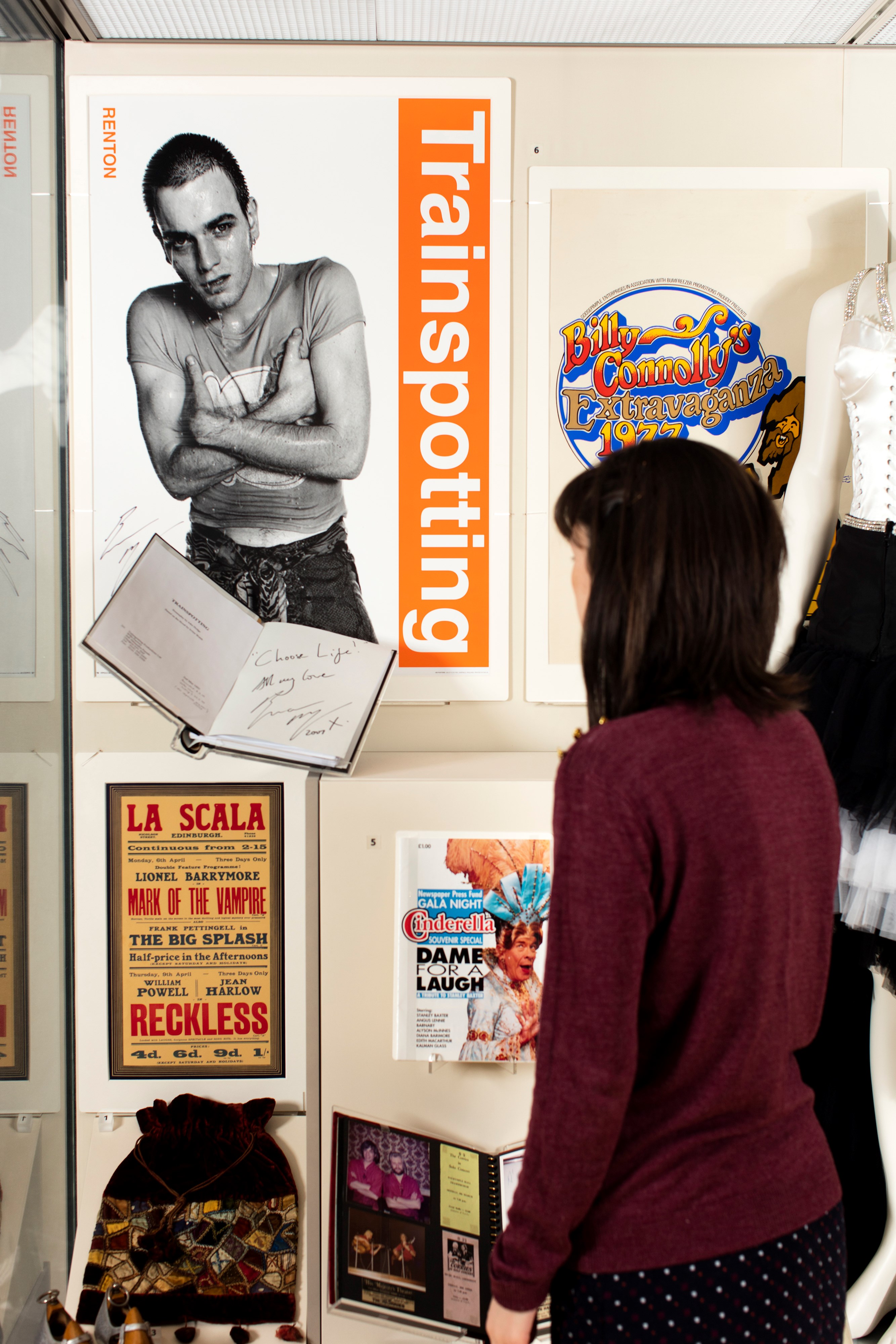
A visitor looks on at a signed script and poster, donated by actor Ewan McGregor, on display on Level 6 © Peter Dibdin
At the top of the museum on Level 6, Scotland: A Changing Nation traces the varied experiences of people living and working in 20th century Scotland through five major themes: war, industry, daily life, emigration and politics. From hard-won medals to a Hillman Imp car, suffragette brooches to the tent used during the Democracy for Scotland campaign, personal stories, iconic objects and film footage tell the tale of Scotland's social history, showing how the country has been shaped into a modern and diverse nation in the 21st century.